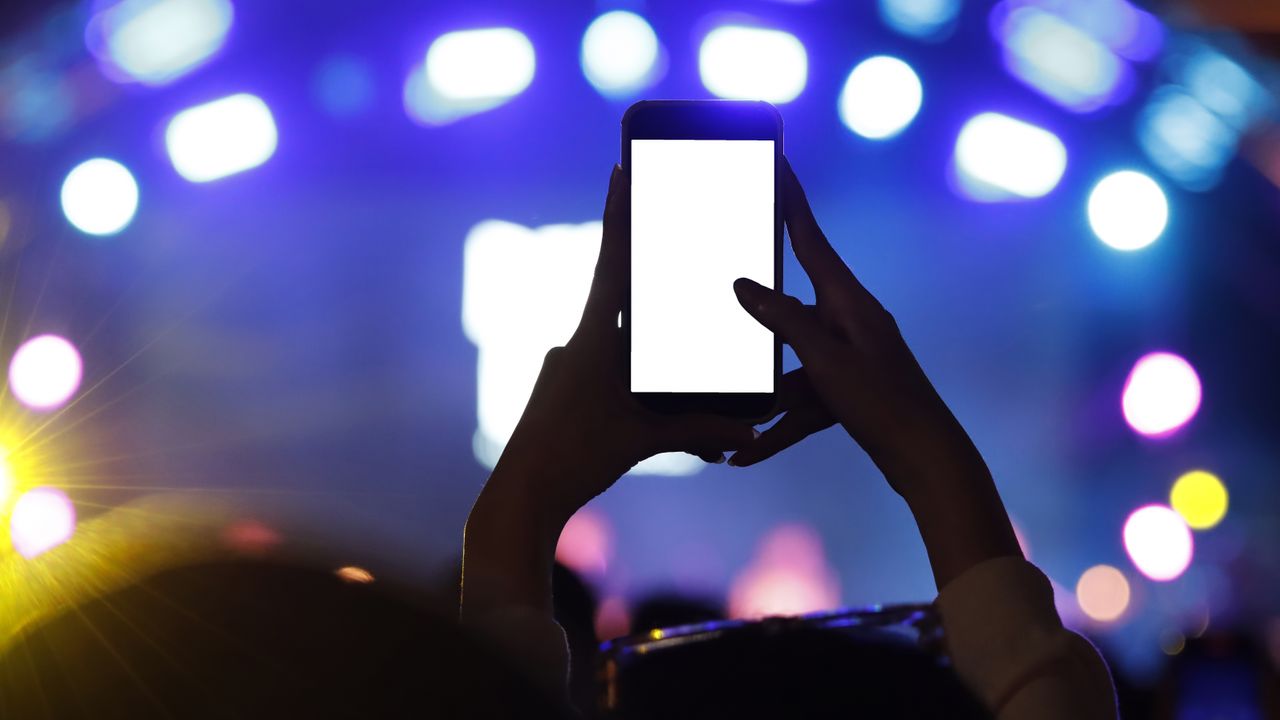
Festival Photography Hacks
When heading to a concert or festival, it's essential to have the right techniques to capture the best moments. Whether you're using a smartphone or a dedicated camera, there are several tricks that can elevate your photography game. These hacks, shared by Kadesh Beckford, Samsung’s Smartphone Specialist for Mobile Experience, can help you make the most of your phone's camera capabilities.
Utilize Golden Hour Rules
One of the most effective tips is to take advantage of golden hour lighting. This time of day, just after sunrise or before sunset, provides soft, warm light that can create stunning images. Using portrait mode on your camera phone allows you to blur out distractions and focus on the subjects, resulting in those glowing crowd shots that are perfect for sharing on social media.
Ultra-Wide for Atmosphere
Switching to the ultra-wide lens on your phone can capture the full scale and essence of the stage and crowd. This perspective is ideal for showing the sea of hands in the air and the artist performing on stage. It gives a more immersive feel to your photos and videos, making them more engaging for viewers.
Go Low for Drama
Kadesh suggests holding your phone lower than eye-level when shooting the stage. This technique not only creates a unique point of view but also makes the artist appear larger than life. It adds a dramatic element to your shots, making them stand out from the typical crowd photos.
Switch Off the Flash
Stage lighting is usually sufficient for photographing a concert, so using the flash can wash out your subject. As a photographer, it's important to follow the "first 3, no flash" policy, which means no flash and only capturing the first three songs of an artist's setlist. This helps maintain the integrity of the event and ensures that your photos are well-lit without any harsh shadows.
Keep It Steady
Using a tripod is essential for long exposure shots of lasers or fireworks. However, if you don't have a tripod, you can rest your phone on a barrier to keep it steady. This will result in smoother clips without relying on in-phone stabilization, giving you more control over the quality of your footage.
Concert Videography Tips
Shooting high-quality video at concerts requires attention to detail and the right settings. Here are some tips to help you capture the best footage.
Shoot in 4K at 60fps (UHD60)
If your camera phone supports it, shooting in 4K at 60fps offers crisp, smooth footage. This resolution provides flexibility for editing later without losing any quality. You can then share the clip across your social media platforms in the highest possible resolution.
Note: Shooting in 4K consumes a lot of battery power, so be sure to pack a portable charger or one of the best power banks to keep your phone charged throughout the event.
Turn HDR On for Concerts
Enabling HDR (high dynamic range) in your camera settings can help balance out stage lighting. This feature prevents highlights from being blown out or faces from being left in shadow, ensuring that your footage looks professional and well-balanced.
Ensure Super Steady Stabilization Is OFF
This tip might be controversial, but Kadesh recommends turning off Super Steady stabilization. While this feature is designed to stabilize your footage, it can sometimes make the stage lighting look artificially wobbly when the phone tries to correct big movements. When filming live music, the energy comes through in the crowd, and you want to capture that naturally rather than have your phone fight it.
Lock Your Focus and Contrast
Focus the camera on your artist and turn the contrast down slightly using the on-screen slider. Then, lock these settings in place by tapping the lock icon. This prevents blown-out spotlights or auto-adjusts from ruining your clip, ensuring consistent quality throughout your footage.
Stick to Pre-Set Zooms, Not Pinch-and-Zoom
Pre-set zoom levels on camera phones, such as 2X or 5X, keep your videos sharper. Using the custom pinch-to-zoom method can lead to grainy footage, so it's better to stick with the pre-set options for the best results.
Elevate Your Audio
For Samsung users, the Audio Eraser feature is a game-changer. This built-in AI sound tool can strip out unwanted noise, whether it's wind, crowd chatter, or a drunk fan singing along to a song. After filming, head into the Gallery app, find your video, tap the Galaxy AI icon, and use this feature to enhance the audio quality.
Kadesh also suggests investing in an external microphone for better sound quality. A small clip-on mic can significantly improve the audio in your concert clips, giving you professional-grade recordings.

0 comments:
Ikutan Komentar