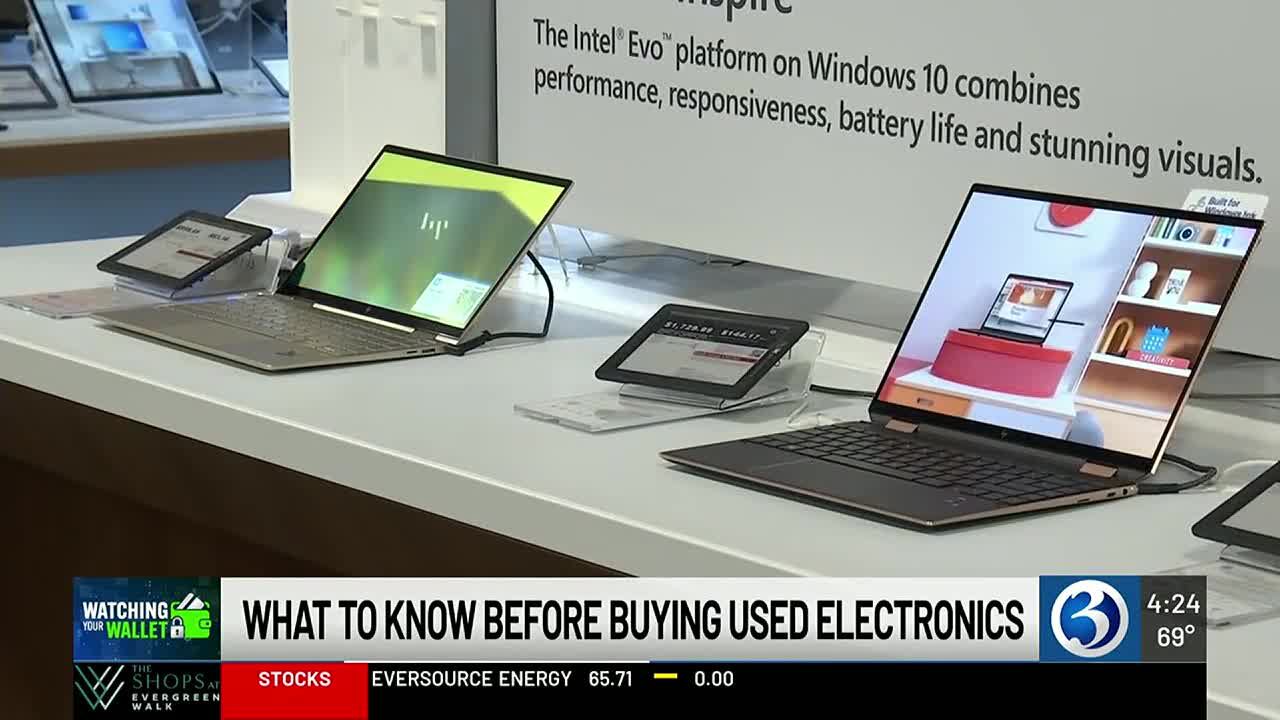
(WFSB) - If you need a new laptop, one way to save is to buy one that is used. However, there are some things experts say you should check before buying anything refurbished.
Dashia Milden is a consumer insights editor at CNET. She says the most important thing to do is to check the device's battery.
"In order to check the battery, usually you can ask the seller exactly to maybe show you a screenshot of the battery status, which can be found usually in the system settings of your computer, or if you're fortunate enough to actually have that device in person, you can actually scroll right on over to the system settings and check that for yourself by simply just typing in or checking battery. Sometimes this is called battery health, the battery settings, things of that sort," said Milden.
Once you've checked the battery, Milden says the next thing to do is make sure the computer has enough RAM storage for your needs. Milden recommends at least 16 GB.
"The memory that's on your computer, oftentimes you can't upgrade that, or you can't make that addition later on, so it's going to be really important when you buy your computer to get that right the first time," said Milden.
Milden says to look for signs of damage as well and inspect all parts of the laptop closely.
Looking at that keypad to see if everything is in good shape here?" said Milden. "Is there anything coming undone? Look at the camera. Take a look at the screen. Are there any cracks there? Are there any scratches that you need to know about? Even taking a look at just the side or even the touchpad. Has the touch pad been touched down far too many times, so where maybe it's not working as well anymore?
Milden says to also know the details of any return policies or warranties before making a purchase.

0 comments:
Ikutan Komentar