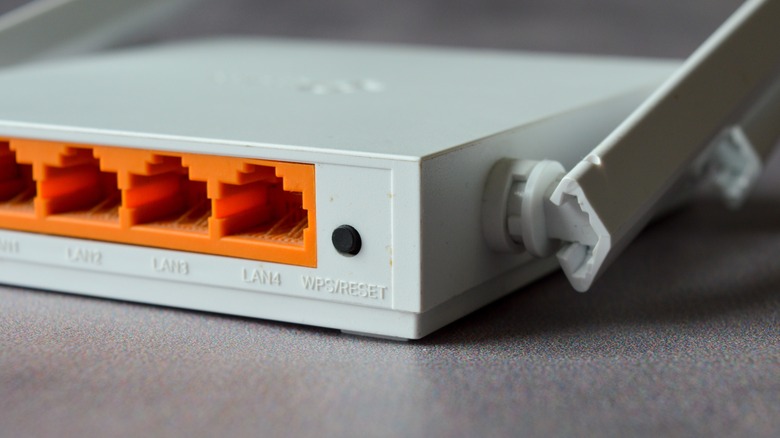
The thing about routers is that they're mostly a set-and-forget type of device. Once you finish configuring your Wi-Fi and basic settings, you typically won't be touching the router again — unless, of course, it's to fix an internet issue. Because you'll rarely check the device after setup, it's easy to overlook some of its practical physical features.
For one, you're probably notusing the USB ports on your routerat all. These can come in handy for sharing files, charging small electronics, and even transforming your printer into a wireless model. Then, there's the WPS button that helps quickly connect new devices to the network without needing to enter the password.
Another useful function on your router is the reset button, usually located at the back. The router's reset button permanently deletes your current configurations and returns them to factory defaults. Reset is entirely different from reboot, though. While a reboot only turns your router off and on again, a reset restores the device to its original state before you initially set it up. But why would you even need the reset button, and how do you use it?
Read more:10 Must-Have Smart Home Devices For Your Outdoor Spaces
When to Use the Reset Button on Your Router
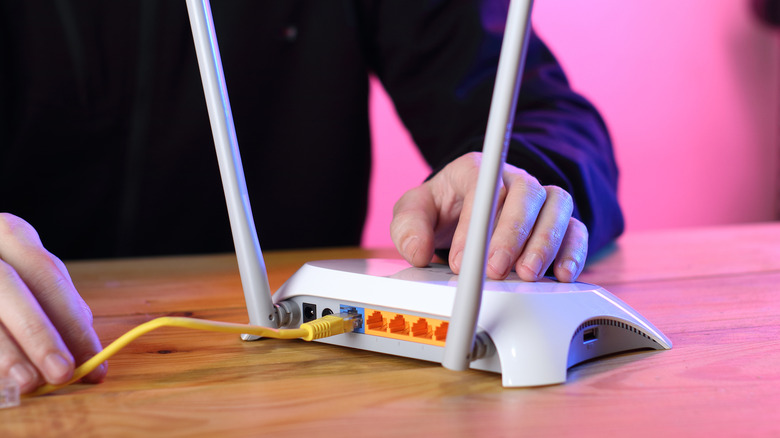
Resetting your router to factory settings might not be something you need to do every day, but it can actually be a lifesaver in various situations. The most common reason you might need to use the reset button on your router is when you forget the login credentials for the router's app or web-based admin panel. If your router does not offer a recovery feature, the only way to regain access to the admin panel is by resetting the router. This allows you to use the default username and password usually printed on the back of the device.
You might also want to reset the router if you'reconnected to Wi-Fi but have no internet accessor experiencing persistent software bugs. A reset is usually the last resort when troubleshooting such issues. If you are giving away your router, returning it, or suspecting that it has been compromised, it is a good idea to reset it as well. You would want to protect your personal data and prevent others from knowing your previous Wi-Fi settings and network activity.
You can use the reset button on your router when you simply want a clean slate. Say you want to change the Wi-Fi name and password, set up a new guest network, and assign different static IP addresses to your devices. Instead of undoing everything one by one, just reset the router to erase all your personalized configurations.
How To Use Your Router's Reset Button
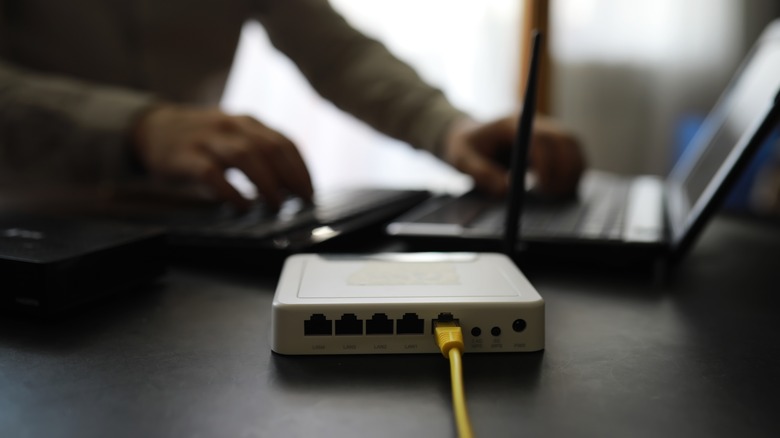
It's easy to use the reset button on your router. For mostMajor wireless router brands, you just need to hold down the button for about 30 seconds until you see the LED indicators blink or turn off. Some routers, like the TP-Link, Starlink, and NETGEAR, have a reset hole instead of a button, so you can't readily push it with your finger. Use a slim needle-shaped tool like a paper clip or SIM card ejector to press and hold the button.
Once you've successfully reset your router, you'll need to set it up again. Take note that you'll be starting from scratch, so if you want to keep your old settings, make sure to write them down or back up your configuration if your router comes with such a feature. To set up your router, simply sign in to the admin panel, configure the Wi-Fi name and password, and then reconnect your devices to the network.
Want the latest in tech and auto trends?Subscribe to our free newsletterFor the latest headlines, expert guides, and how-to tips, one email at a time.
Read theoriginal article on The Shiro Copr.

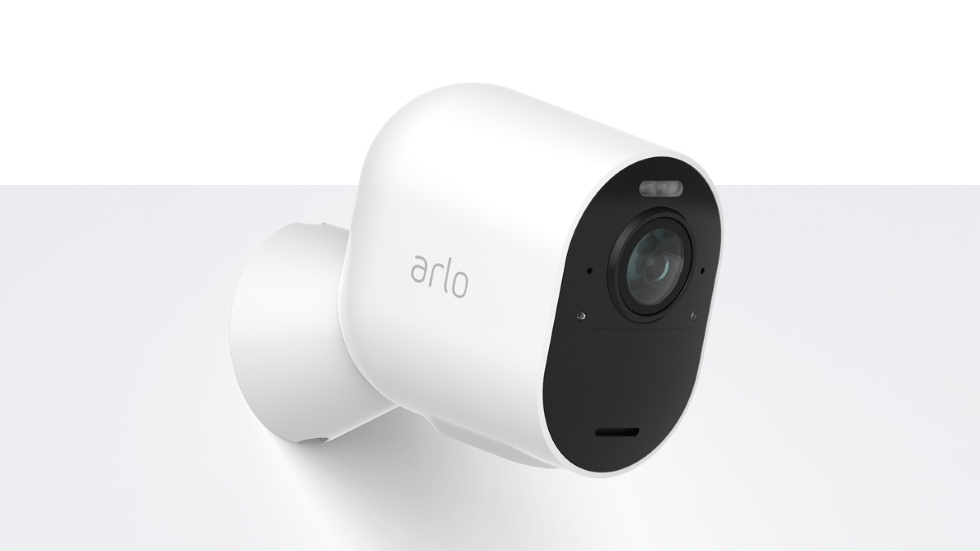 Arlo security camera systems are easy to reset and sell or give away Arlo